Visualizations
Visualizing data is the main purpose of the application. Data can be displayed in a number of different ways:
Each visualization can be easily embedded into other webpages using the Embed button.
Map
GeoJSON data can be visualized as a map. Most common GeoJSON geometries are supported.
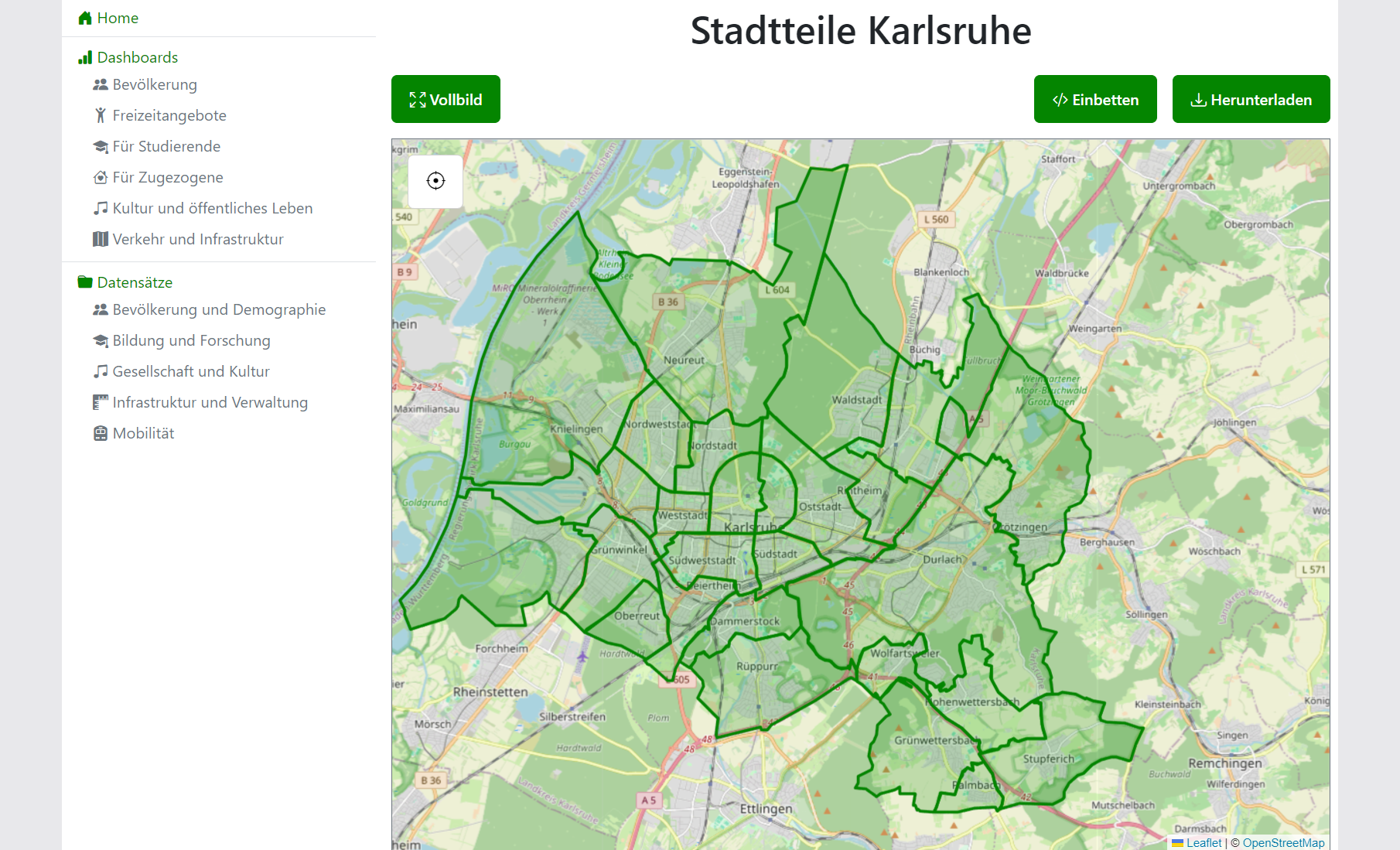

Features:
- Grouping of data with each group being given a color
- Additional information on hover
- Reset view
Configuration: For configuration reference, see map configuration.
Bar Chart
CSV and JSON data can be visualized as a horizontal or vertical bar chart.
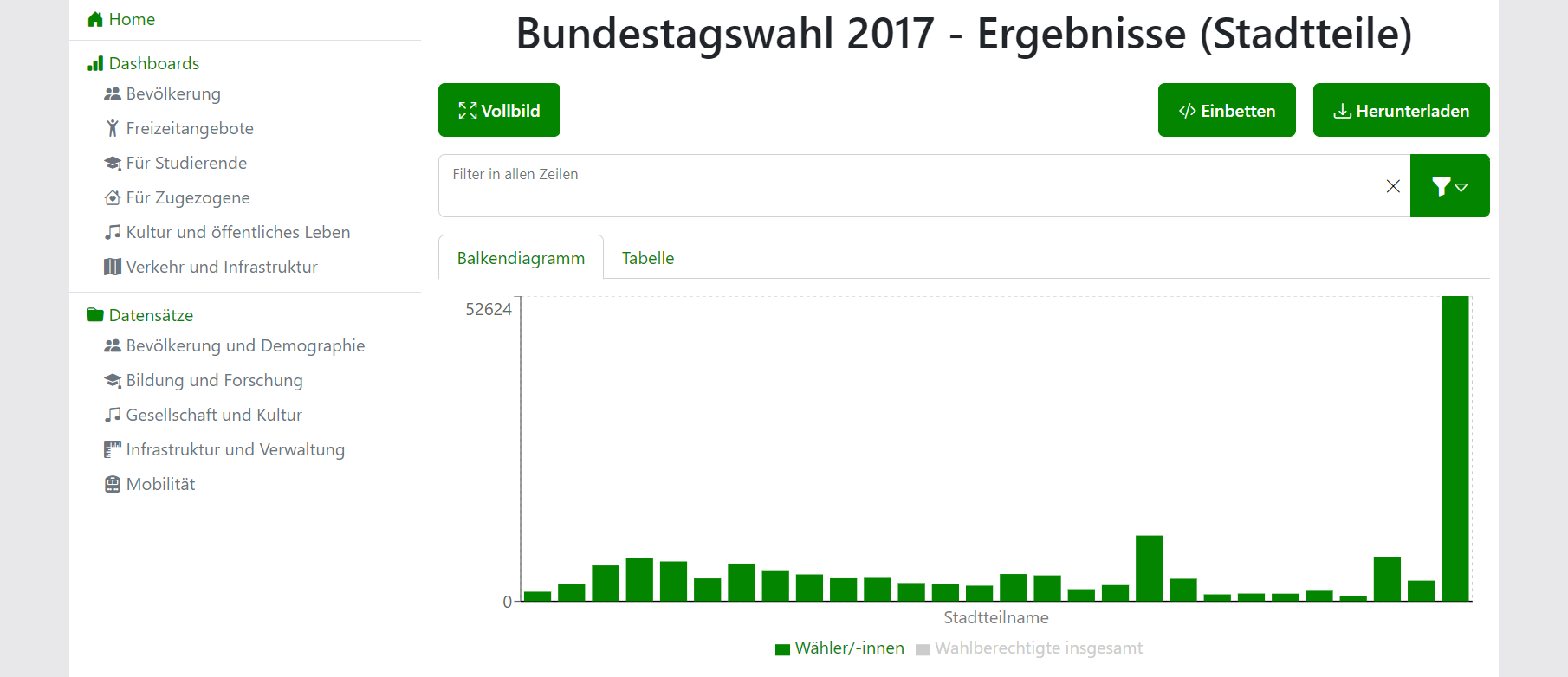
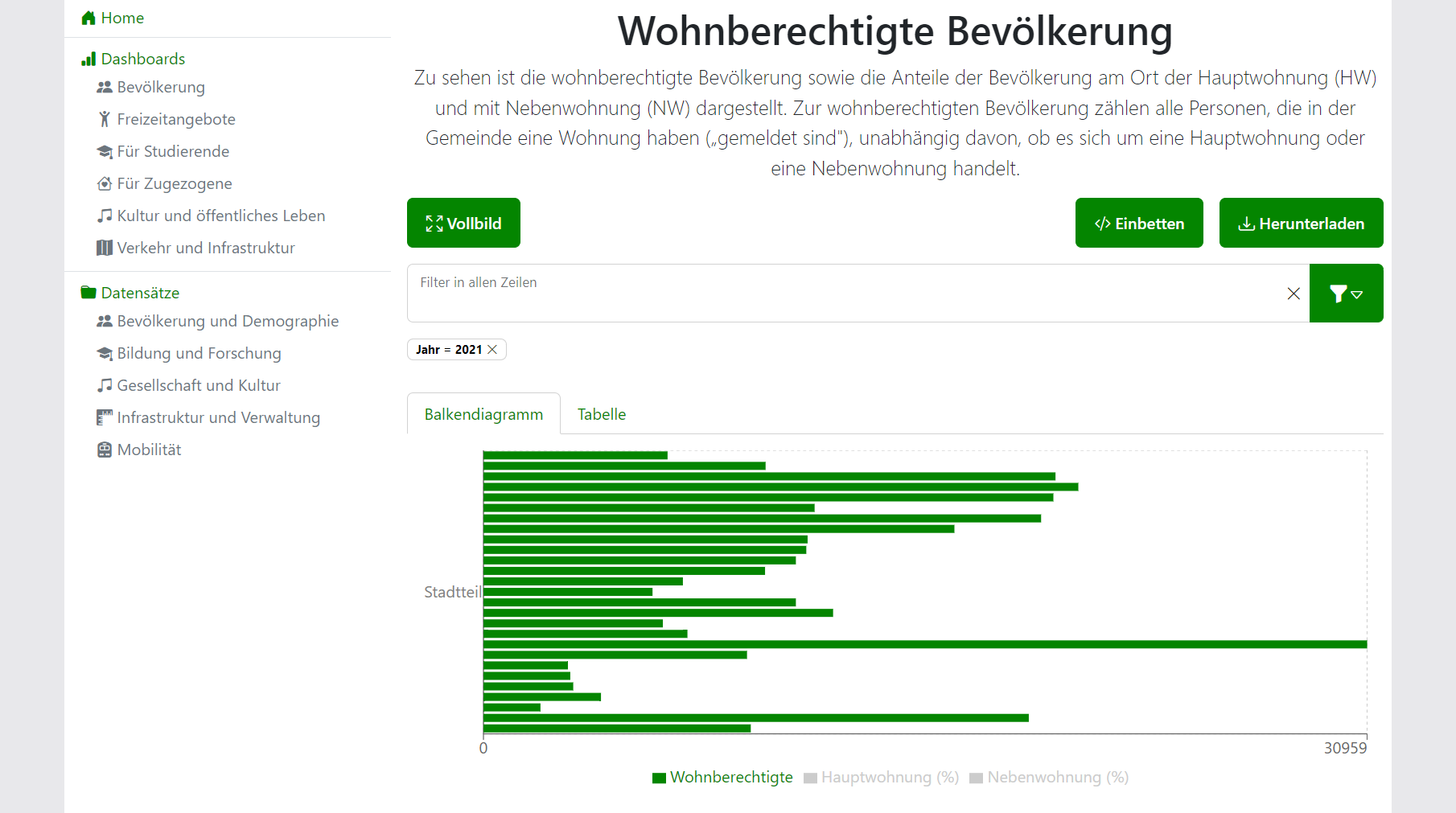
Features:
- Filters
- Additional information on hover
- Dynamically select and deselect x- and y-axes
Configuration: For configuration reference, see bar chart configuration.
Table
CSV and JSON data can be visualized as a table.
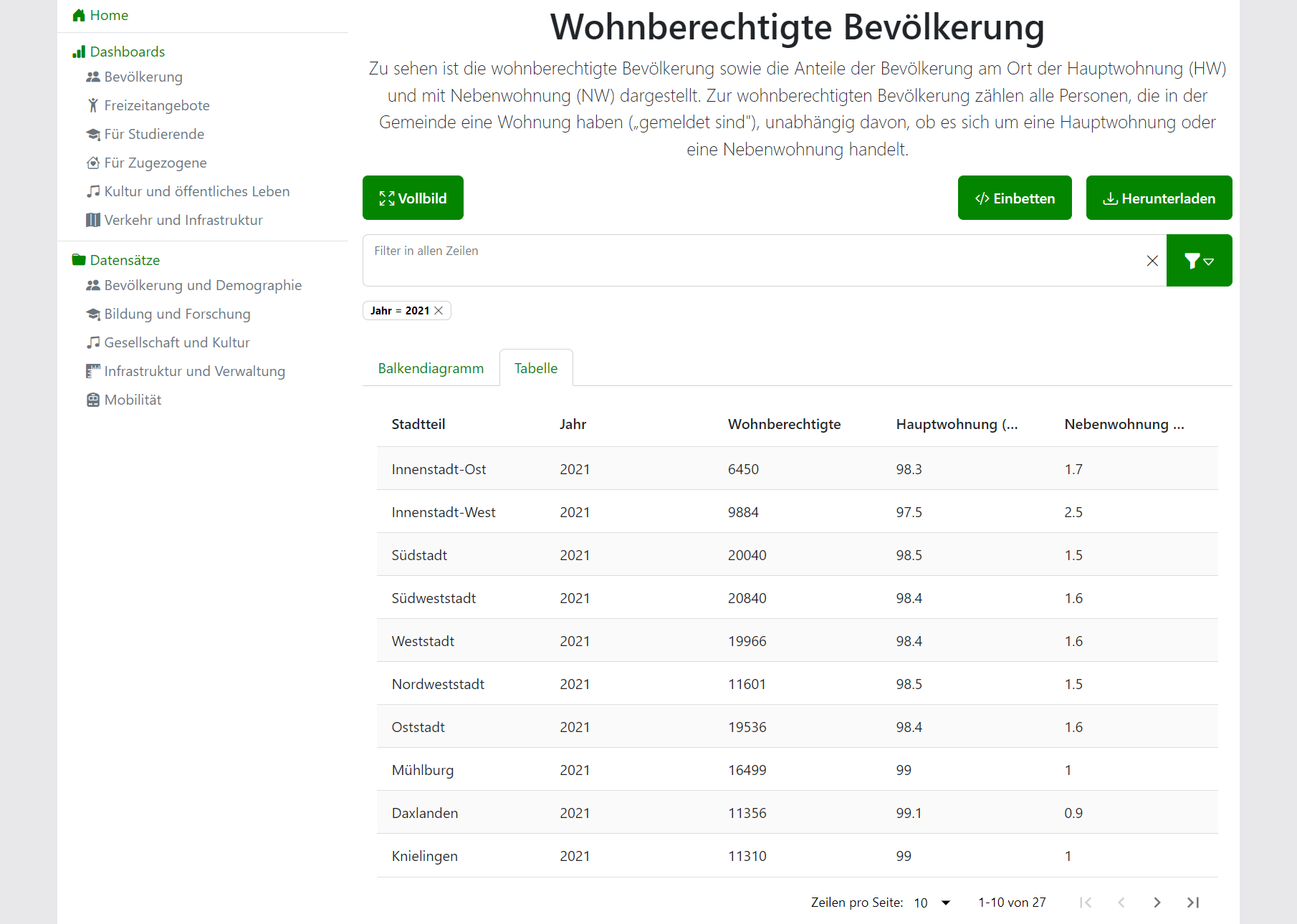
Features:
- Filters
- Sorting
- Pagination
- Rearrangeable columns
Configuration: For configuration reference, see table configuration.
Embedded
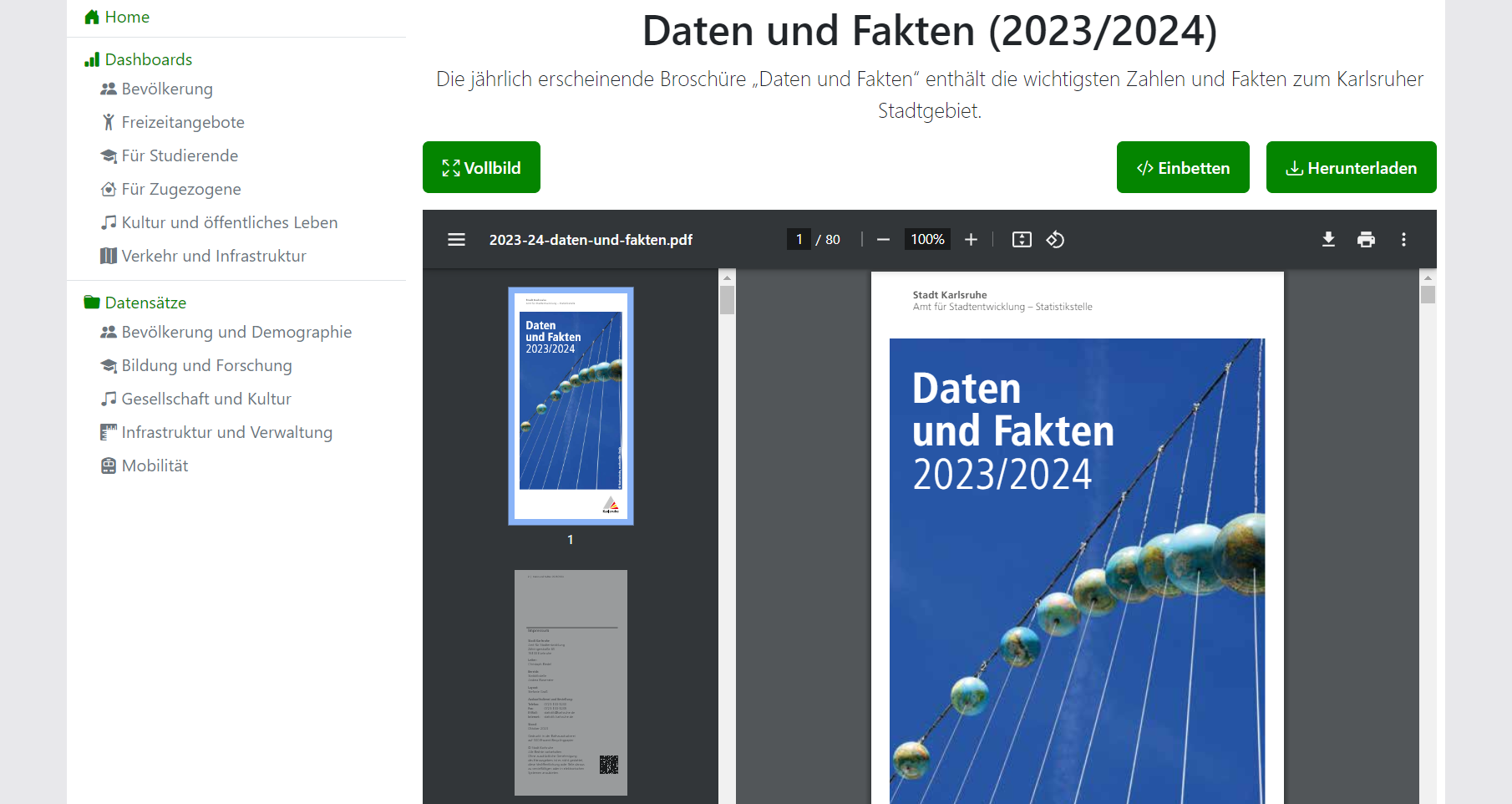
HTML and PDF data can be embedded into the application.
Filters
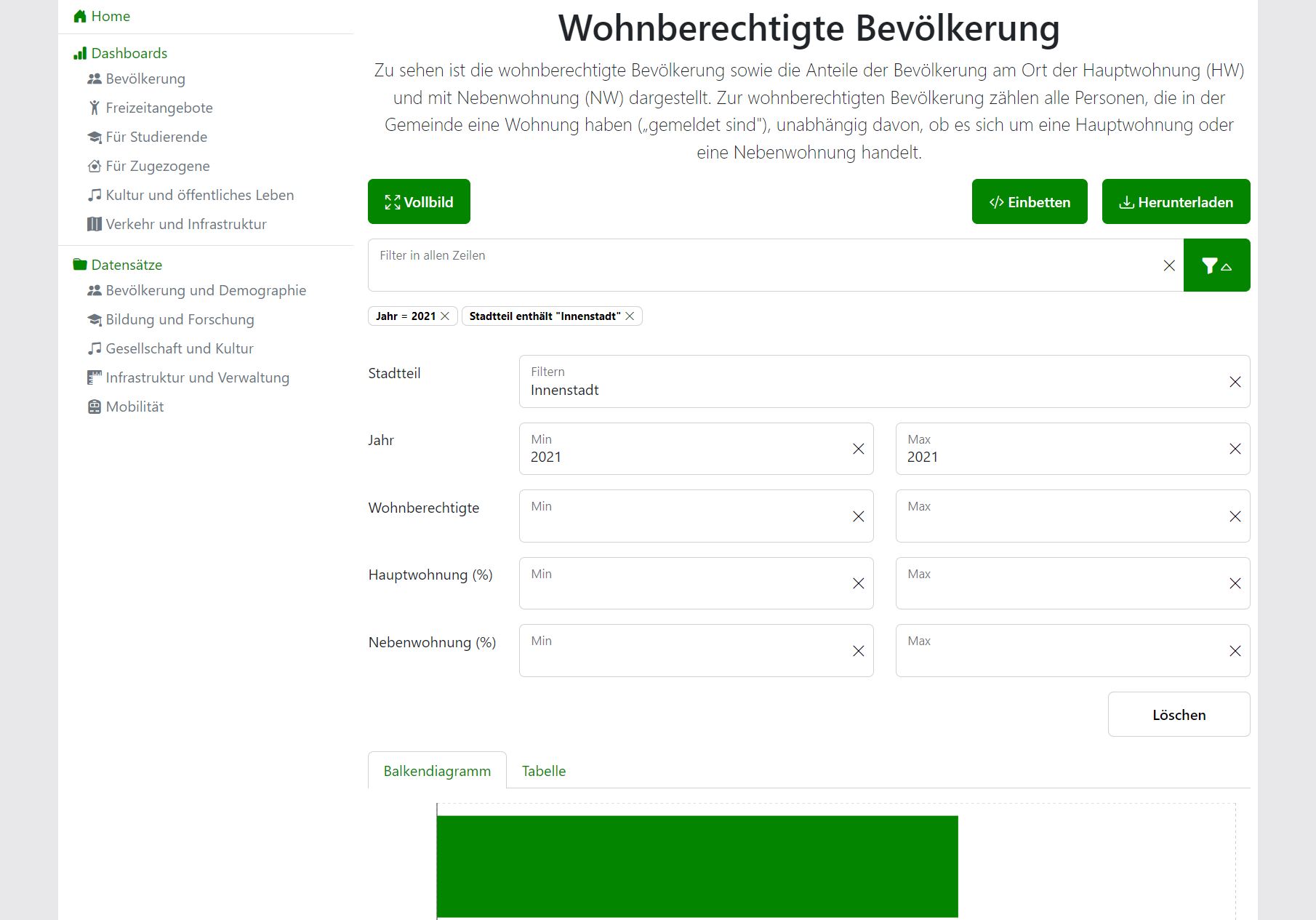
Data displayed in Bar Chart and Table visualizations can be filtered in real-time.
Features:
- Partial string matching across all properties (ignores case)
- Min-/Max-Boundaries for numeric properties
- Partial string matching for non-numeric properties (ignores case)
- Distinct URL for each filter setting for easier sharing and revisiting of views